In this article
- Modifying a URL
- Finding Your API ID
- URL Mods in Embedded Forms
Wufoo
URL Modifications
In this article
- Modifying a URL
- Finding Your API ID
- URL Mods in Embedded Forms
You can use URL modifications (or URL mods, as we like to call them) to pre-populate fields in your form. Unlike setting predefined values in your form, URL mods pre-populate fields differently for each person that fills out your form. All you have to do is give them a special URL that contains the custom data you want to include in the form.
For example, if you know the name of someone you're sending your form to, you can pre-populate the name field on the form with their name.
Modifying a URL
To use URL mods, modify the end of your form link to include the API ID of the field and custom data you want to pre-populate in that field. To pre-populate multiple fields, separate each field and data combo with an ampersand.
Each field starts with the word "field" immediately followed by the API field number (instructions on how to find it below). The data for the field is up to you!
Form Link: https://subdomain.wufoo.com/forms/form-name/
URL Mod: https://subdomain.wufoo.com/forms/form-name?fieldAPI_ID=data
Example: https://wufoohc.wufoo.com/forms/zn1kdvq07jo69j?field1=Trex&field3=Minmi
If you're using non-alphanumeric characters in your custom data, make sure they're URL encoded.
Finding Your API ID
To find the API ID of your field:
- Log in and go to Forms.
- Find your form and click More.
- Click API Information.
- Find the field you want to pre-populate and copy the API ID.
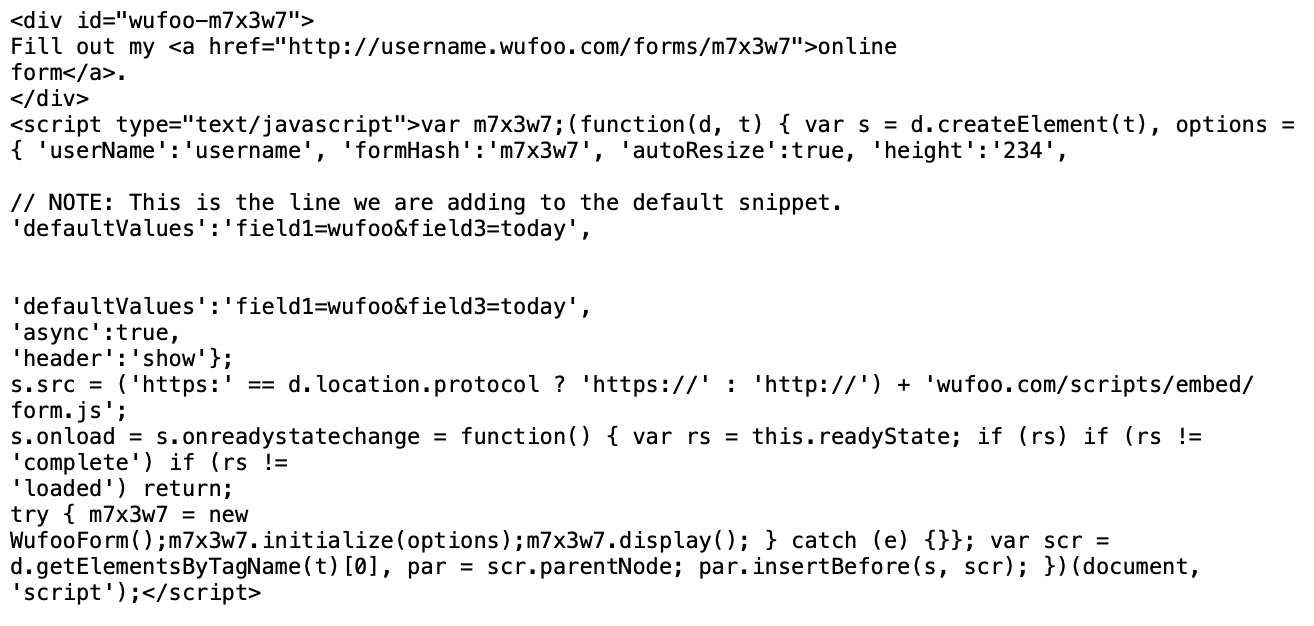
URL Mods in Embedded Forms
- JavaScript Embed Code
- iFrame Embed Code
- Wordpress Embed Code